
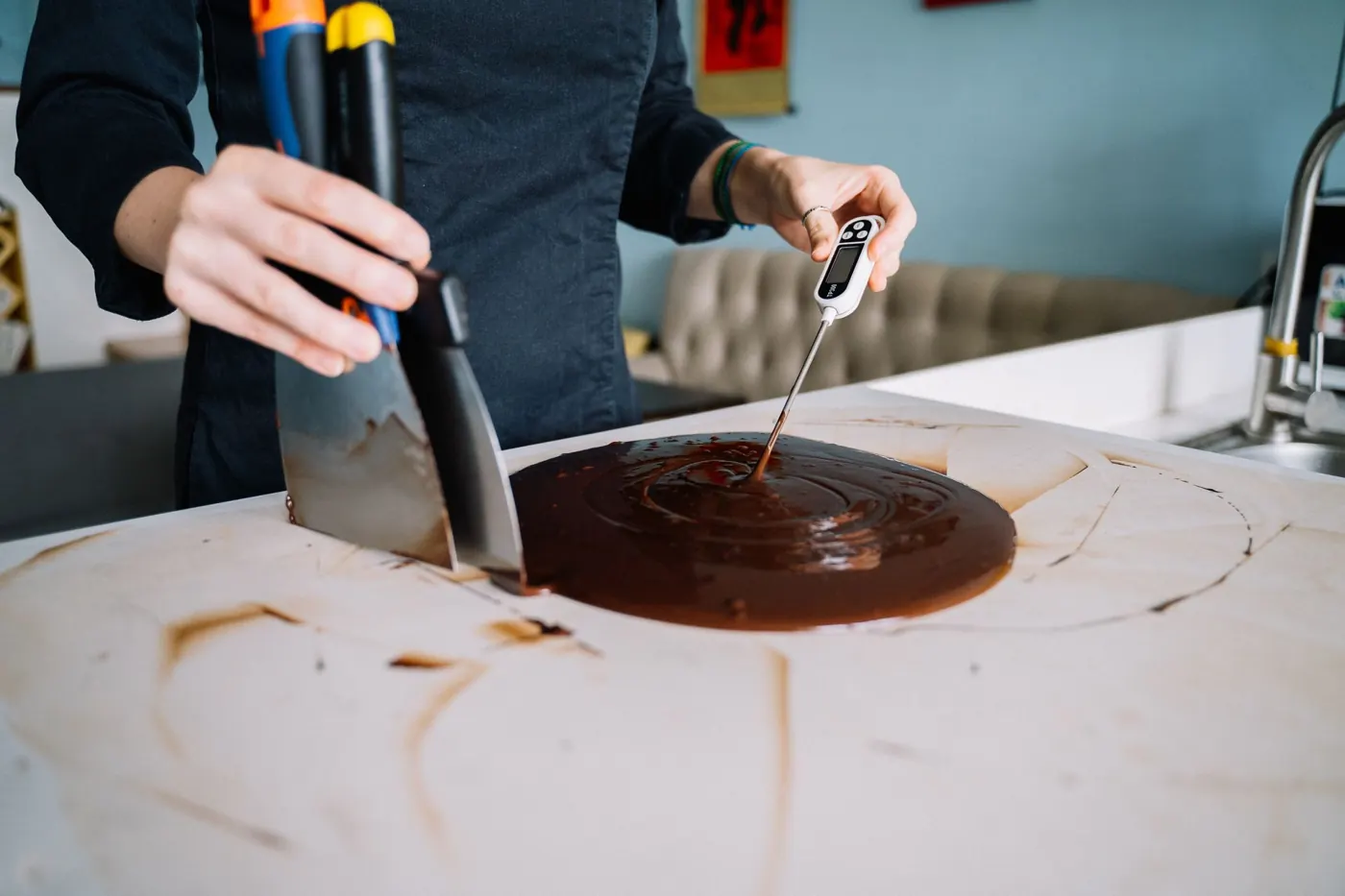
Kitchens
Temperatures logged. Overdue checks flagged.
Fridge, freezer, delivery, cooking, cooling, reheating, thawing and holding temperatures, logged on a tablet against limits you set. Checklists, accident reports and wastage on the same screen. PDFs an inspector can read.
What it does
The kitchen's paperwork, on one tablet.
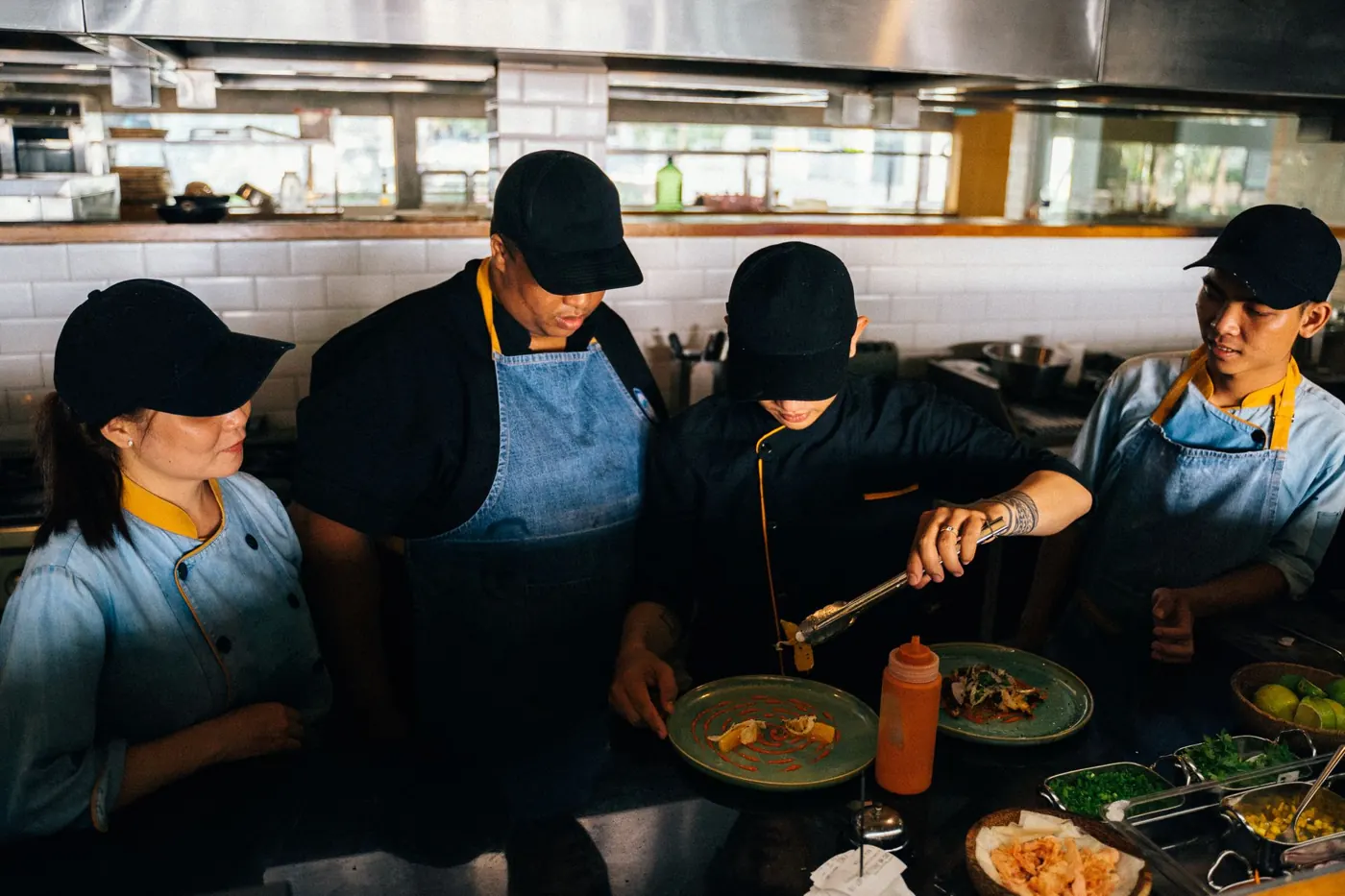
Every temperature log
Fridge and freezer units. Deliveries, chilled, frozen and hot. Cooking, two-stage cooling, reheating and thawing. Hot and cold holding. Each has its own sheet, and each reading is checked against its limit as it is entered.
Set per venue, and per event when a kitchen runs differently for a weekend.
When a check is coming up, the sheet says so. When one has been missed, it says that too, to whoever picks up the tablet next. Managers see the paperwork for each area, each day, in the portal.
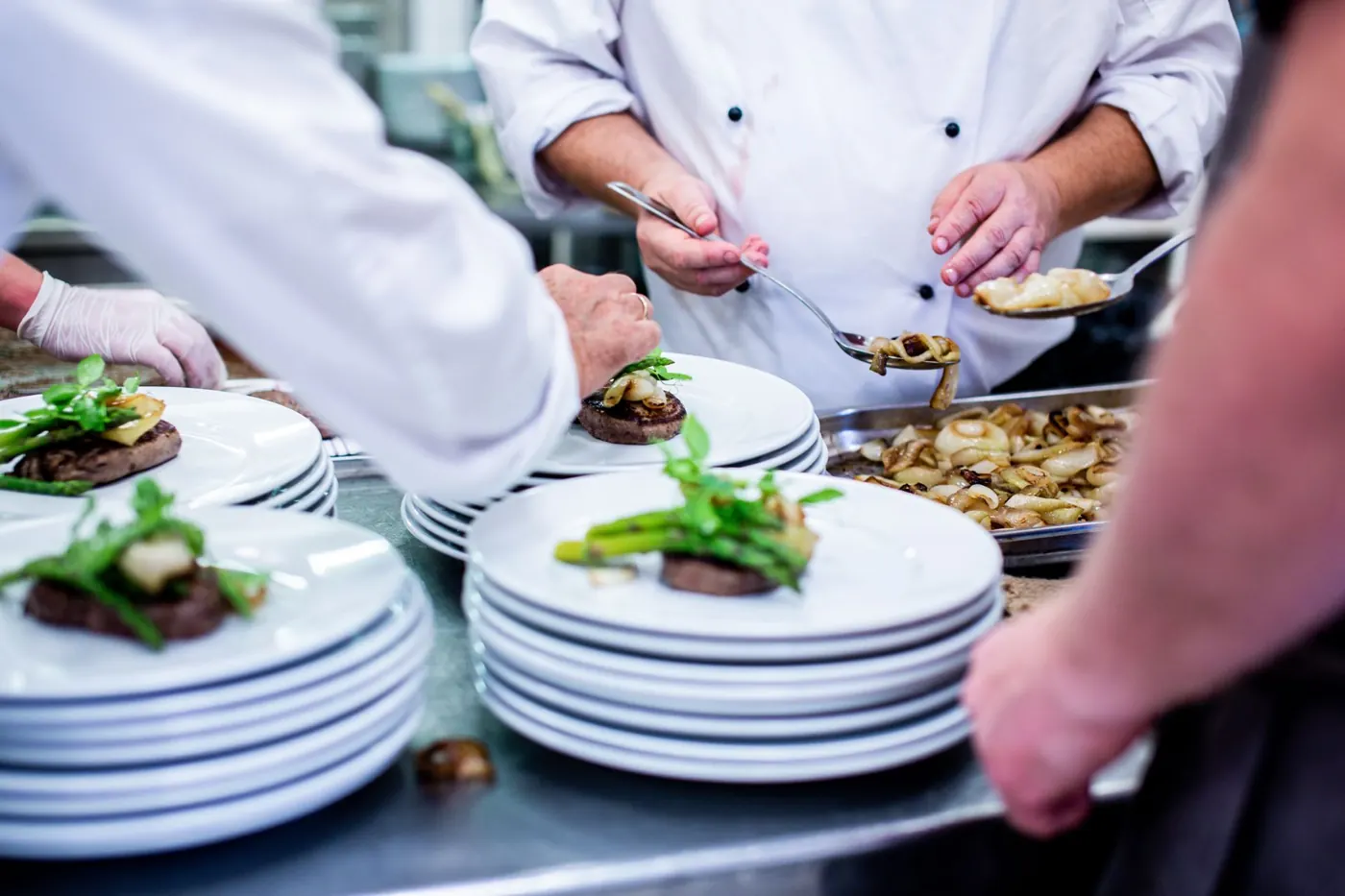
Checklists, accidents, wastage
Checklists from your own templates, opening, closing or anything else, with a photo attached to any item on event checklists. Accident reports filled in on the spot. Wastage logged by dish or component. The allergen report for every dish is on the same tablet.
On the day
A service, in order.
-
1
07:00. Fridges and freezers.
First thing on the tablet: a reading for every unit. Anything outside its range is flagged as it is entered.
-
2
Deliveries checked in.
Chilled, frozen and hot deliveries logged as they arrive, each against the limit you set for it.
-
3
Cooking and cooling at the pass.
Core temperatures as dishes come off. Cooling in two stages, with a target for each. Reheating and thawing on their own sheets.
-
4
Holding checks on the interval.
Hot and cold holding checked on the interval you set. The sheet shows what is due soon and what is overdue.
-
5
Close: wastage and the checklist.
Wastage logged by dish or component. The closing checklist signed off. The day's paperwork is in the portal before the lights go off.

What you get after
The records, without the paper.
-
Temperature sheet PDF
Every reading with its time, one sheet per check type per day, for the file or the inspector. Event kitchens keep theirs in the paperwork view.
-
Housekeeping schedule PDF
Each schedule with its checks signed off, as a PDF. Event checklists sit in the paperwork view.
-
Accident report PDF
Each report as a PDF, ready to send on the same day.
-
Wastage Excel and summary
What went in the bin, by day, area, menu and dish, as a spreadsheet, with an AI summary in the portal.
-
Reading history per unit
Every fridge and freezer reading, newest first, on the tablet.
-
Paperwork view per area
Temperatures, checklists, incidents, wastage, stock and staffing for each area and each day, in the manager portal.
Works with
Use it with
Questions
Does it send reminders?
Will an EHO accept it?
Does it work on our tablets?
Can we set our own limits?
Does it work for a temporary kitchen at an event?
See it on your own sheets.
A 30-minute call about your kitchen, then a demo with your limits and your checks. Our team works the first day with yours.
Book a demo