
Guest ordering
Scan. Order. On the screen that matters.
Guests scan a QR code and order from their phone. No app to install. The ticket lands on the bar or kitchen kiosk it belongs to, the guest watches the status, and every order is in the sales export at close.
What it does
From the QR code to the kiosk, and back to the guest.
Scan. No app.
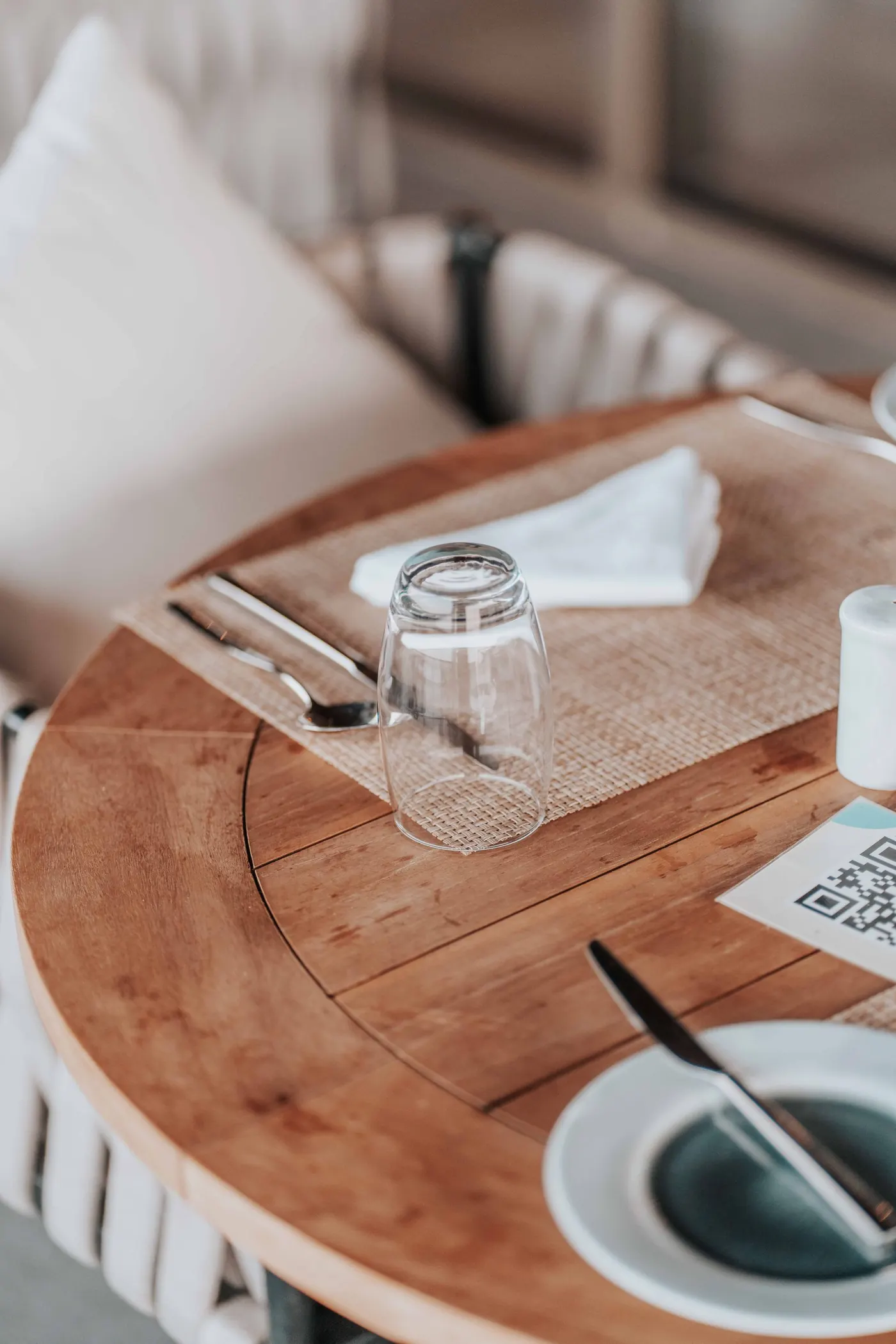
A QR code on the table, in the box or in the team room opens the menu in the phone's browser. Courses, dishes, prices, photos, the chef's recommendations. It is the same page the guest uses for feedback and the AI chat, so there is one code to print.

Routed to the right screen
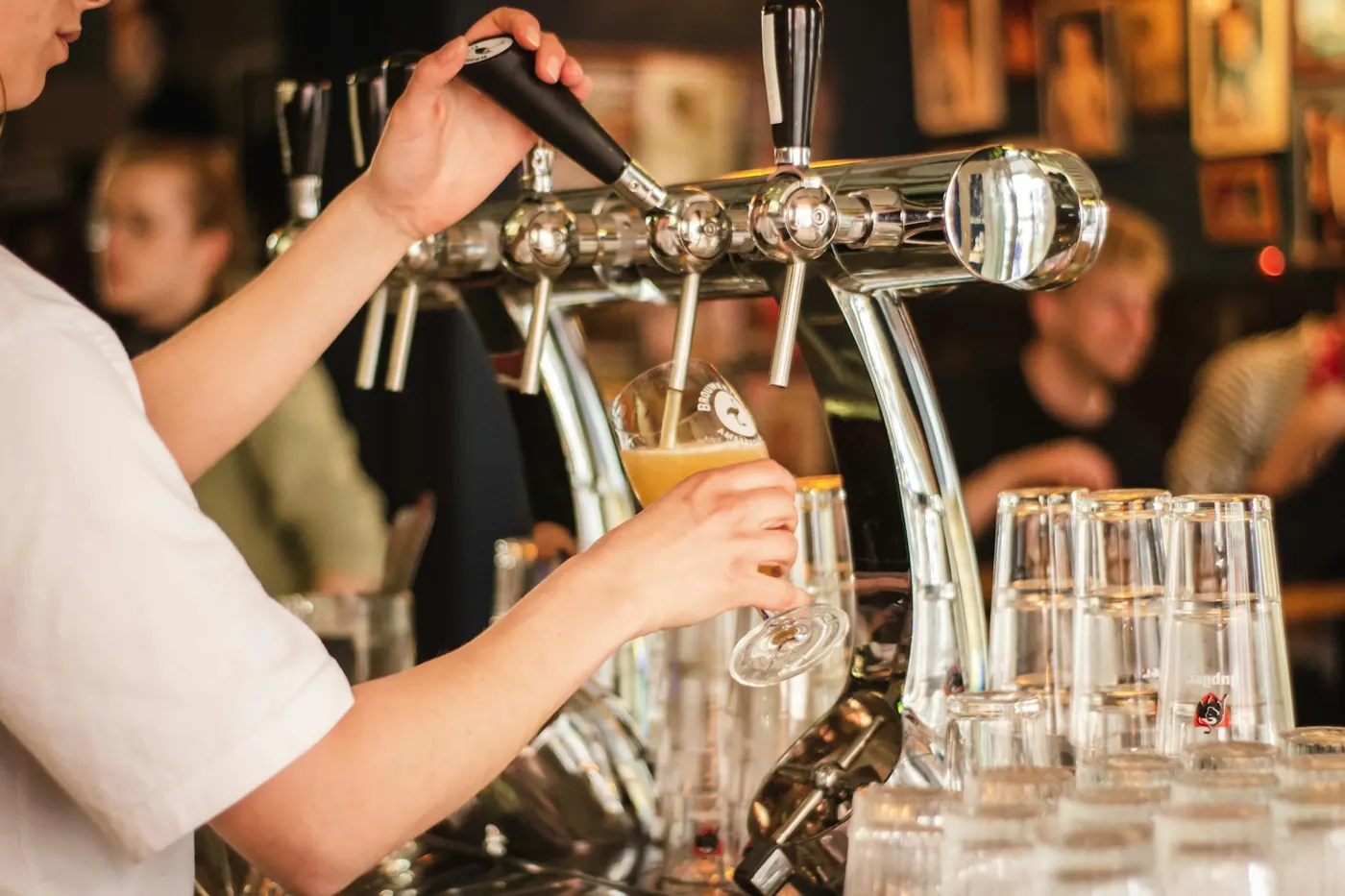
Each section or dish routes to a kiosk: drinks to the bar, food to the kitchen, with a fallback kiosk for anything without a route. Kiosks are ordinary tablets with an eight-digit login code. Tickets arrive over a live connection, so nobody refreshes.
A status the guest can see
Staff move the ticket along on the kiosk. The guest's tracking page follows it, and guests on the Concierge app get a push notification.
- Pendingon the kiosk
- In progressbeing made
- Out for deliveryon its way
- Deliveredwith the guest
- Completeddone
Pre-orders, modifiers, allergens
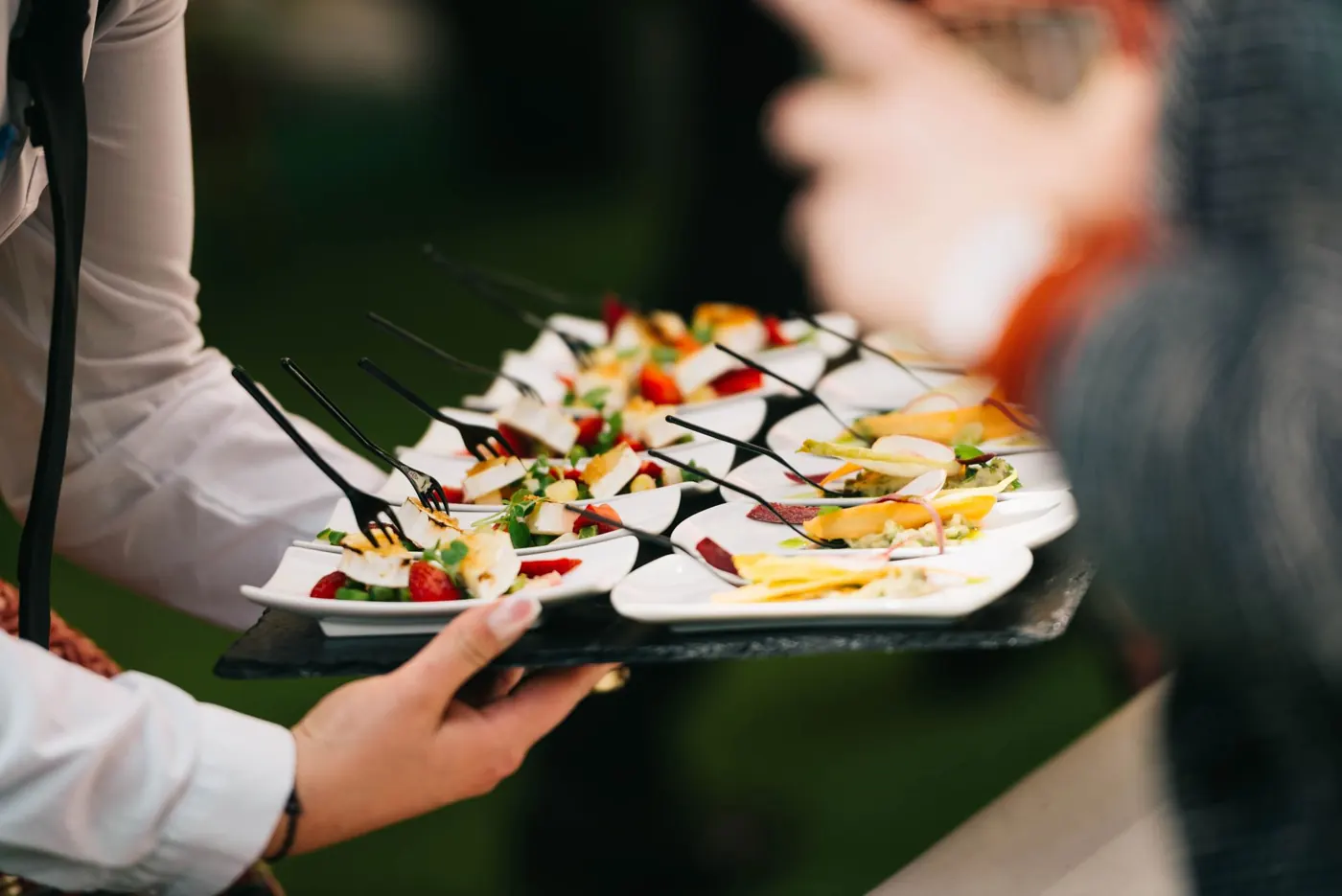
Take orders ahead of service; they sit in the queue and are promoted to the kiosk when due. Dishes carry modifiers and allergens, and guests can filter out the allergens they pick.
- Pre-orderstime slot, lead time per kiosk
- Modifiersper dish
- AllergensUK 14: contains, may contain, dietary
- Menusversioned, past events keep theirs
On the day
One order, start to finish.
-
1
Scan the code
The guest scans the QR on the table, in the box or in the team room. The menu opens in their browser.
-
2
Build the order
Dishes, modifiers, a note. Allergens are on every dish, and the guest can filter them out. A pre-order picks a time slot.
-
3
The ticket lands on the kiosk
Drinks to the bar kiosk, food to the kitchen kiosk, by section or dish. Staff tap it from pending to in progress.
-
4
The guest watches it move
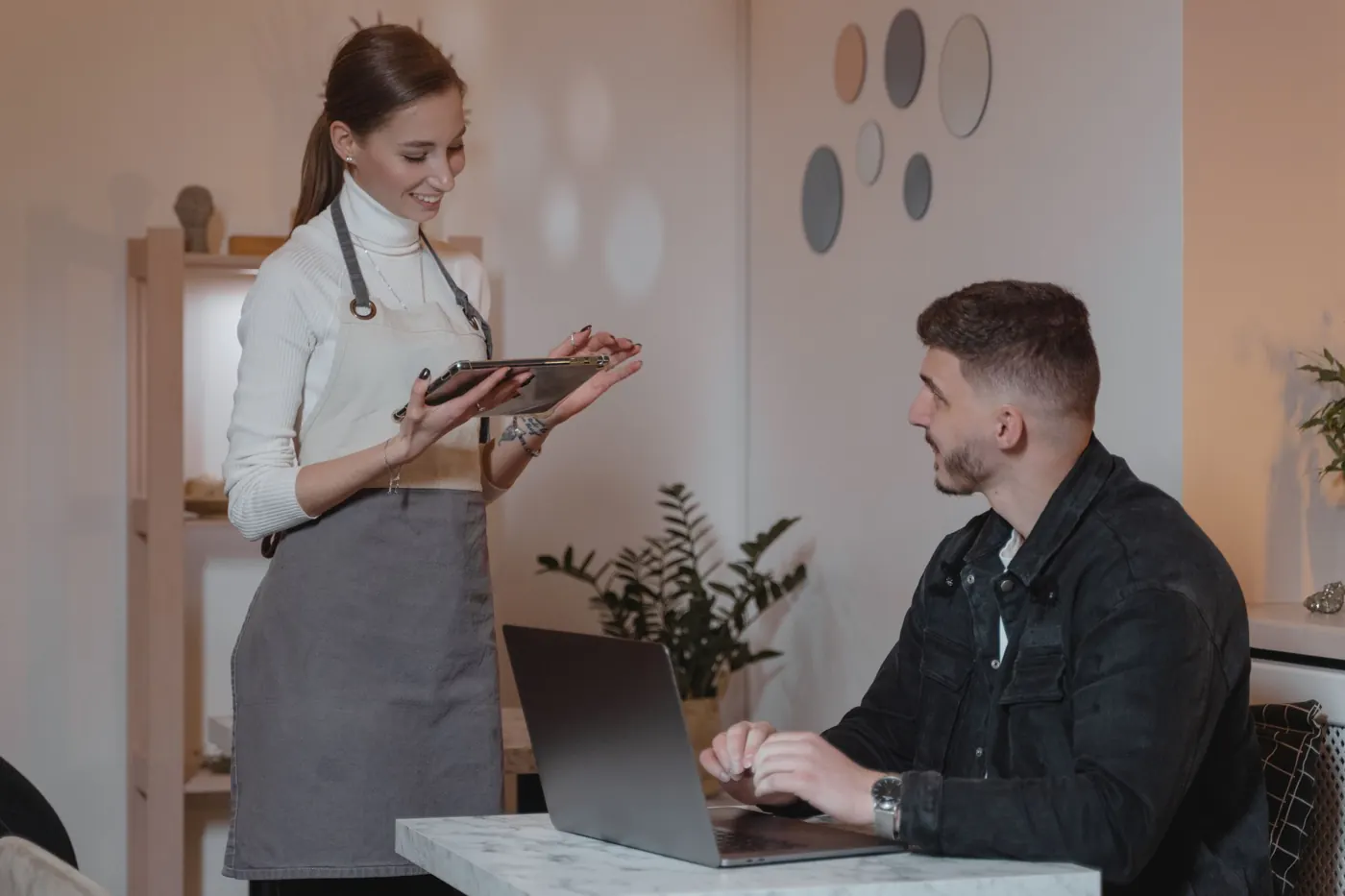
The tracking page updates with each status. Guests on the Concierge app get a push notification.
-
5
Out for delivery, delivered
Where orders are delivered, the driver gets a link and the guest's status page follows the drop. A meal-delivery QR with a live status page ran at a professional golf event in 2026; the live driver map is built.
-
6
Close: export the sales
Every order and every line, as Excel, plus an AI summary of the day's orders.
What you get after
The paperwork at close.
-
Sales orders, as Excel
Every order and every line for the event, exported from the portal. For your own spreadsheet, or for finance.
-
An AI summary of sales
A written read of the event's orders, alongside the summaries for feedback, cellar, wastage and staffing.
-
Dish-level feedback
The page that takes the order also takes ratings, dish by dish. They land in the feedback export and the AI summary of comments.
Works with