

Box & hospitality operations
Every box, every day, one live view.
An order form for each box on each date. A portal for the team inside the box. Dockets to the cellar. And one screen where the manager sees which boxes have guests in, which are serving and which are closed.
What it does
From the booking to the closed box.
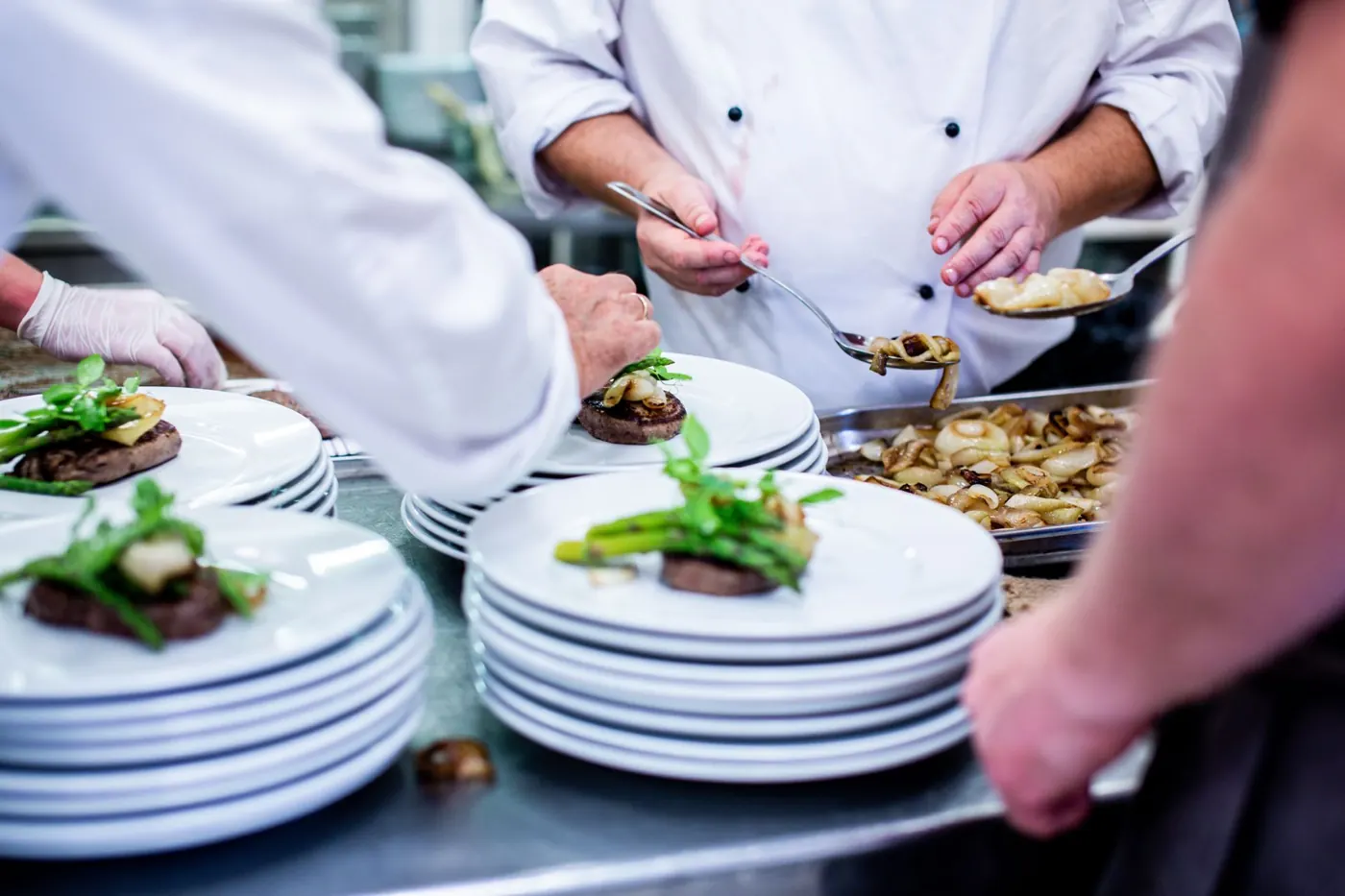
Order forms, one per box, one per date
Each booker gets their own link to the drinks list and menu for their box on their date. The form has an expiry, keeps its email history, can be resent from the portal, and downloads as a PDF.
Packages
Build the hospitality package once as a template and offer it on the order form. The package and menu the booker picks are attached to that box.
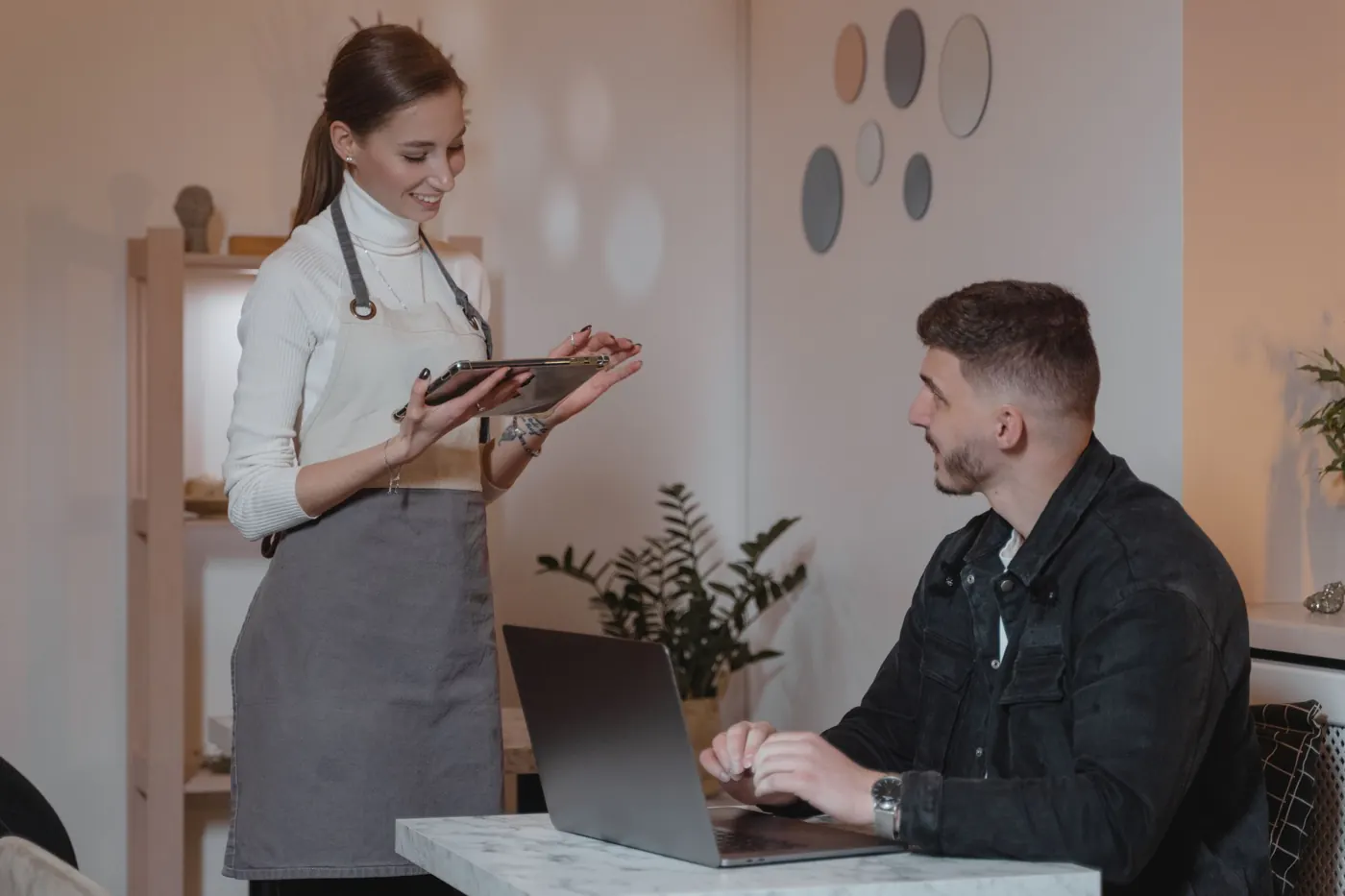
A portal for the team in the box
Opened on any tablet from the box itself. Today's checklists, allergens for the menu, stock counts, dockets to the cellar, wastage, and the briefing notes. For the guests, an ordering screen on the tablet sends their requests to the bar or kitchen team.
The manager's live view
Every box on one screen, without walking the corridor. It updates on its own.
On the day
How a box day runs.
-
1
Order forms go out
One link per box per date, emailed from the portal. The booker picks from the drinks list and menu before the form expires. If the email gets lost, resend it; every send is kept in the history.
-
2
Packages planned
The package and menu each booker picked are on their box, with the rest of the form alongside. The team knows what goes into every box before the day.
-
3
Box portals open
Staff open the portal on the tablet in the box. Today's checklist, the allergens for the menu, the opening stock count, and the briefing notes.

-
4
Dockets to the cellar
A box needs more. The docket lands on the cellar's live screen to accept or decline, or the cellar switches on auto-accept.
-
5
The manager watches
One screen across every box: guests in, serving, finished or closed, and whether the opening stock and wastage are done. The manager goes to the box that needs them, not to all of them.
-
6
Close the box
Closing stock counted, wastage logged, checklist finished, box closed. The paperwork for that box and that date is filed.
What you get after
The paperwork, exported.
-
Order form PDFs
One per box per date, downloadable from the portal whenever you need it.
-
Cellar consumption, as Excel
Units consumed per drink for every area, worked out from opening stock, accepted dockets and the closing count. Plus an AI summary of the cellar's event.
-
Paperwork per area, per day
Checklists, temperature logs, wastage, stock sheets and incident reports for each box and each day, in the manager portal. Wastage exports as Excel.
Works with
Use it with
Questions
Can a booker change their order after sending it?
Does it plan the chefs and staff for each box?
How does the cellar fit in?
What do the box teams need?
See it on your own boxes.
Send us a box list and a drinks menu and we'll set the demo up on those. Thirty minutes with our team, and we're on site for your first event.
Book a demo